
Members, SSO and provisioning
- Purpose
- See who has an account, block or erase members, and know what to ask your identity team for so people can sign in.
- Who is this for
- Admins
- Permissions
- Admin role.
Members are the people with a Gembaa account. Accounts are not created inside Gembaa. Your identity team creates them in your corporate directory, and they appear here automatically.
Open Administration → Members. The screen has three tabs: Members, Access groups and Explain access. The last two are covered in Access control.
How it works
| Piece | What it does |
|---|---|
| Single sign-on (SSO) | The only way to sign in. People sign in through your company identity provider, and Gembaa never asks for a password. |
| Provisioning (SCIM) | The only way an account is created. Your directory sends new people, changes and removals to Gembaa. |
| Staff record | Each active account is linked to a Staff record, matched or created from the person's details in the directory. |
| Roles from the directory | Whether someone is an Admin or a Member comes from the directory too. |
If someone signs in successfully but your directory has not provisioned them, Gembaa shows a message that the account is not provisioned and tells them to contact their administrator. They cannot register themselves.
There is no Invite button and no password reset. Both happen in your identity provider.
Read the Members list
The Members tab lists everyone with an account. Each row shows:
| Column | Meaning |
|---|---|
| Member | Name and email. Your own row is marked You. |
| Role | Admin or Member, as sent by your directory. A person who holds both shows both badges. |
| Staff | An icon that opens the linked Staff record. A faded icon means no linked record. |
| Status | Active, Inactive or Erased. A Blocked badge can appear beside it. |
| Joined | When the account was created. |
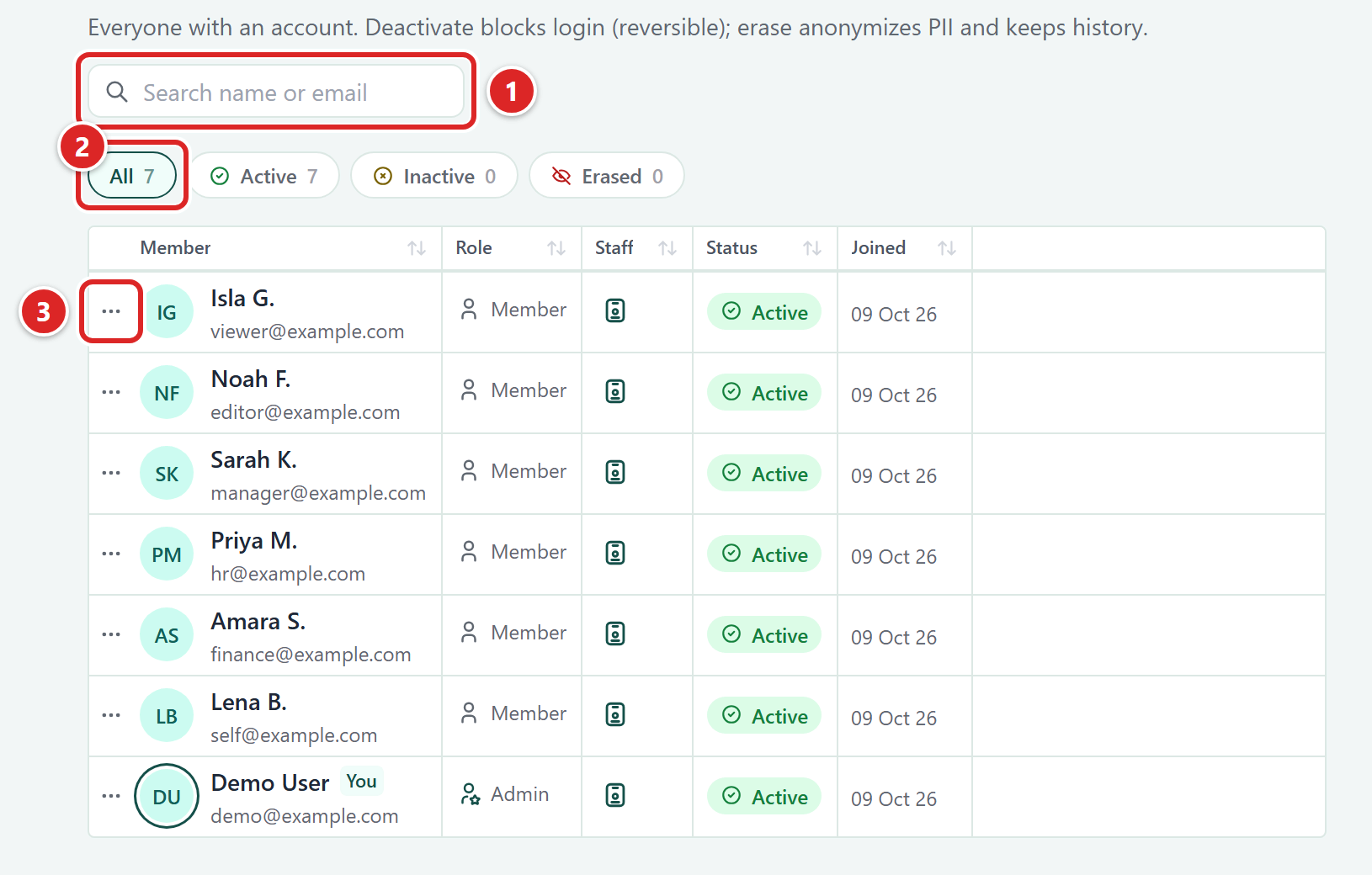
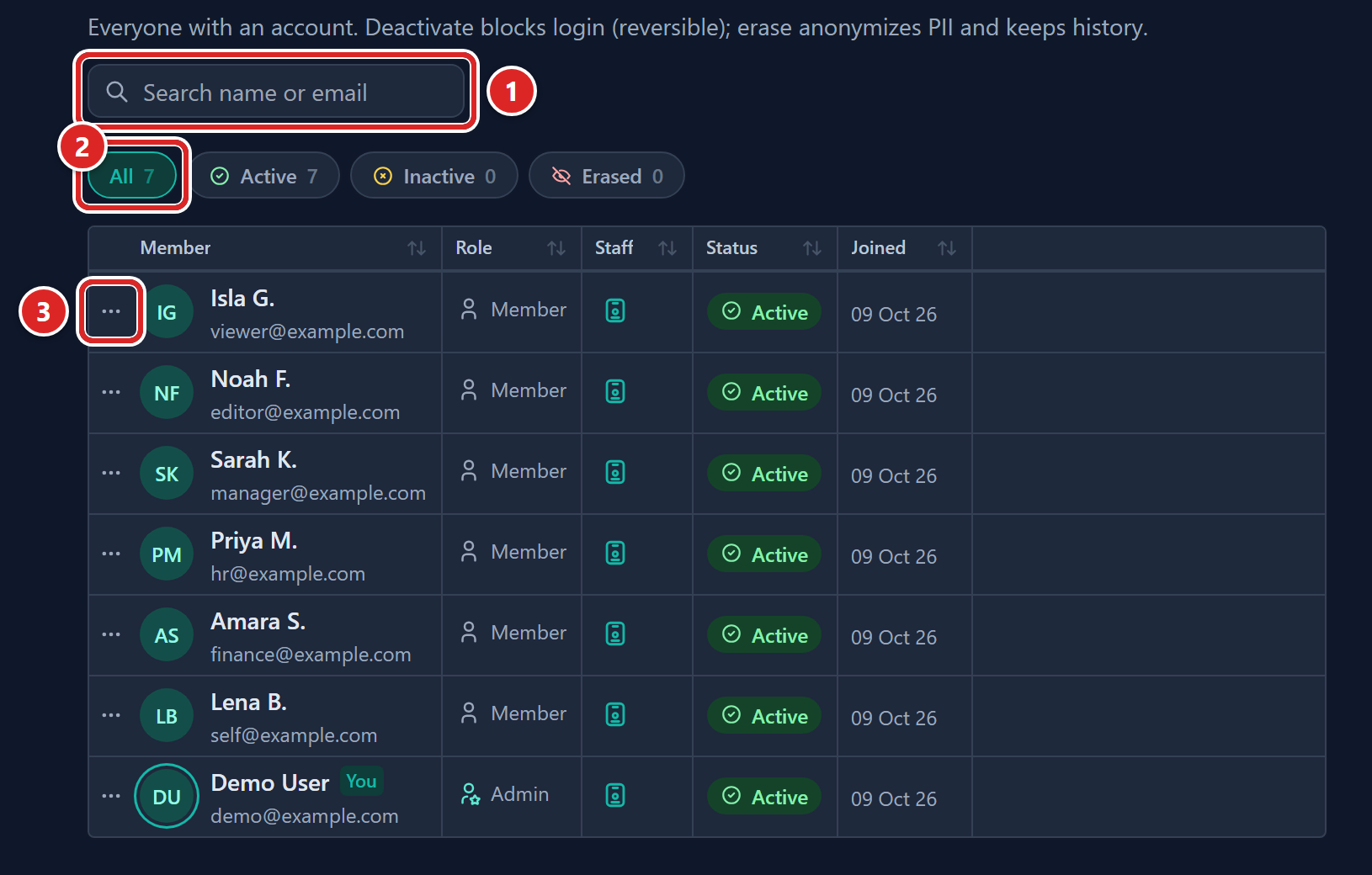
- Search name or email: find a person.
- The status chips (All, Active, Inactive, Erased) with counts.
- The row menu (three dots).
Click a column heading to sort. The status chips filter the list and show counts.
| Status | Meaning |
|---|---|
| Active | Can sign in. |
| Inactive | Deactivated by your directory. Cannot sign in. Their Staff record is also marked inactive. |
| Erased | Their personal data has been removed. |
| Blocked | Blocked by an admin in Gembaa. A separate flag, so a blocked member is usually still Active. |
You cannot change a member's role here. Roles come from the directory, and what a role can do on each entity is set in Access control.
Copy a member's details
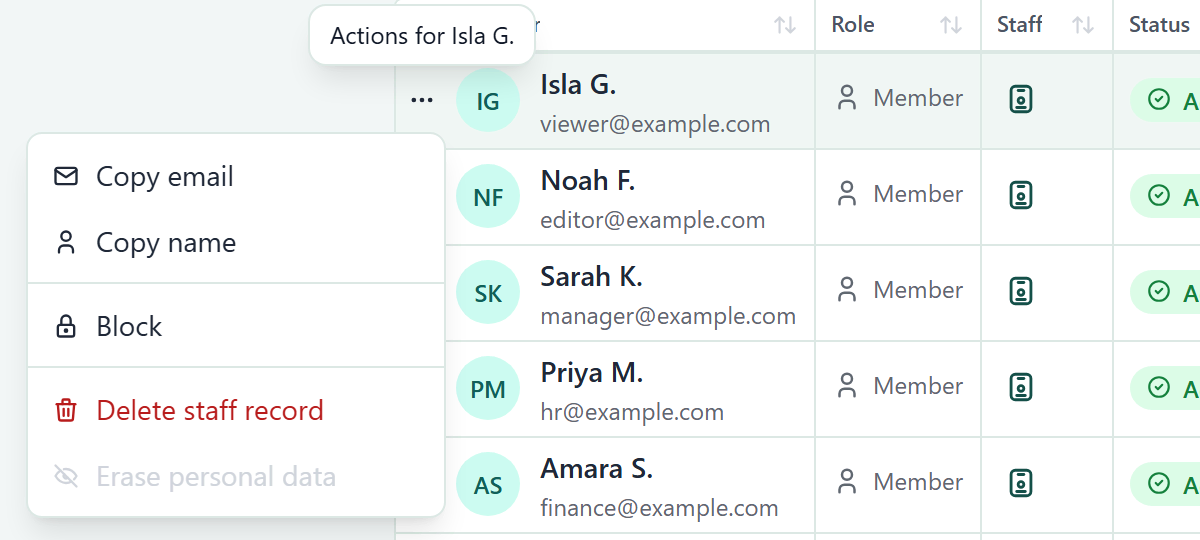
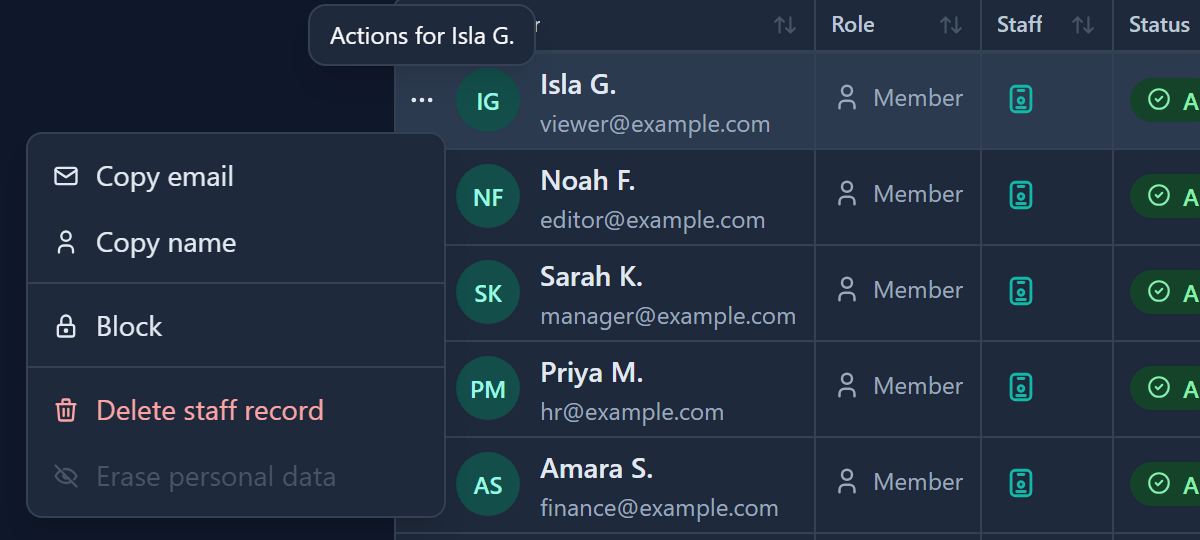
Open the row's menu (the three dots at the start of the row) and choose Copy email or Copy name.
Block or unblock a member
Blocking stops someone signing in but leaves their Staff record untouched: it stays active and keeps its allocations, tasks and history. Use it for a temporary stop.
- Open the row's menu.
- Choose Block. The Block member dialog opens.
- Click Block. The row shows a Blocked badge.
To reverse it, open the menu on the same row and choose Unblock.
A blocked person who tries to sign in sees a message that their access is blocked and to contact an administrator. You cannot block yourself, and the last active Admin cannot be blocked or erased: Gembaa answers "Cannot remove the last active Admin".
Deactivation comes from your directory
You do not deactivate people in Gembaa. When someone is disabled or removed in your directory, their Gembaa account becomes Inactive on their next request and their Staff record is marked inactive too.
To bring them back, ask your identity team to re-enable them.
Staff records that were created in Gembaa and are not owned by your directory can be deactivated from the Staff page instead. See Staff.
An inactive person sees the not-provisioned message, not a sign-in prompt, because their company sign-in is still valid.
Delete a Staff record
- Open the row's menu.
- Choose Delete staff record. The Delete staff record dialog opens.
- Click Delete staff. The Staff record is removed.
Delete staff record appears only for members with a linked Staff record. The account stays, unlinked. You cannot delete your own Staff record. A Staff record that your directory owns cannot be deleted while it is still active, so the person must be inactive first.
Erase personal data
Use this when someone has left and their personal data must be removed. Their allocation and finance history is kept, and is shown against "Former staff".
- Make sure the member is Inactive. The Erase personal data item is disabled until then, with the hint to deactivate first.
- Open the row's menu and choose Erase personal data.
- In the confirmation dialog, click Erase PII.
You cannot erase yourself. Erased members have no menu.
Erasing and deleting are different. Deleting removes business history. Erasing keeps it but anonymises the person. Names typed by hand into other records' free-text fields are not reached by an erase.
Ask your identity team
Single sign-on and provisioning are set up outside Gembaa, by whoever runs your deployment and your identity provider (for example Microsoft Entra ID). Give them this list.
Sign-in
- Users sign in through your identity provider, and the sign-in must carry the person's unique identifier and their application roles.
- Idle sessions end on a timer. Five minutes before it runs out, Gembaa shows a Still there? warning with a Time left countdown and two buttons, Stay signed in and Sign out. See Signing in.
Provisioning
- Set up SCIM provisioning for users and groups to the Gembaa SCIM address given to you by whoever runs your Gembaa deployment.
- Map these attributes. Required ones must always be sent.
| Attribute | Required | Used for |
|---|---|---|
externalId | Yes | Matching the person between your directory and Gembaa. This never changes for a person. |
active | Yes | Whether the account is active |
displayName | Yes | Name in the Staff directory |
name.givenName, name.familyName | Yes | Name in the Staff directory |
emails (work) | Yes | Work email |
roles | Yes | Admin or Member. A person cannot be provisioned without a role. |
userName | Yes | Reserved |
title | No | Job title |
phoneNumbers (work, mobile) | No | Telephone numbers |
employeeNumber | No | Employee ID |
division | No | Location |
- Removing a person in the directory deactivates them in Gembaa. It does not delete data.
- Directory groups sent over SCIM appear in the Access groups tab with a Directory label. They are read-only in Gembaa and cannot be given roles there.
What your directory owns
Fields that come from the directory are read-only in Gembaa for everyone, including Admins, and show a lock icon with the tooltip that the field is synchronised from the corporate directory. Anything else on the Staff record, such as seniority, team or custom fields, stays editable in Gembaa.
A person's name and email are changed in your directory, not in Gembaa.
Directory sync finds the Staff fields it fills by their names: First name, Last name, Job title, Email, Work phone number 1, Work phone number 2, Location and Employee ID. If an admin renames one of them, sync stops writing that field. Other renames are safe. See Rename a field.
Good to know
- Admin and Member are the only base roles. Fine-grained rights per entity come from roles, which you assign on each entity. See Access control.
- A Staff record created by directory provisioning always gets a record ID.
- Block, delete and erase actions are recorded in the Admin activity log.
- Applying a seed profile keeps every member account, role and access group. See Data and seed profiles.
- Staff is a core feature and cannot be switched off. See Turn features on or off.
- Whether Gembaa support staff can sign in is set on Administration → Support, and by default they cannot. Staff never appear in this list. See Support and Gembaa staff access.
- When Comments is switched on, any signed-in user can find active members by name, photo and role (Admin or Member) when they mention someone in a comment. The Members page itself stays Admin only. See Comment on a record.
- If you are not an Admin, the page tells you that you need an Admin role to manage members.