
Creating a new program and view its details
📝 Overview
Purpose
- Organise and manage work at a program level, grouping related projects in one place
- Track progress, milestones, allocations, and contributors across the full scope of a program
Who is this for
- PMOs and managers responsible for program planning and oversight
Pre-requisites
- Knowledge of organization's program details
Permissions required
- Manage access to the Programs module
🎥 Demo Walkthrough
Coming soon
💭 How-to Guide
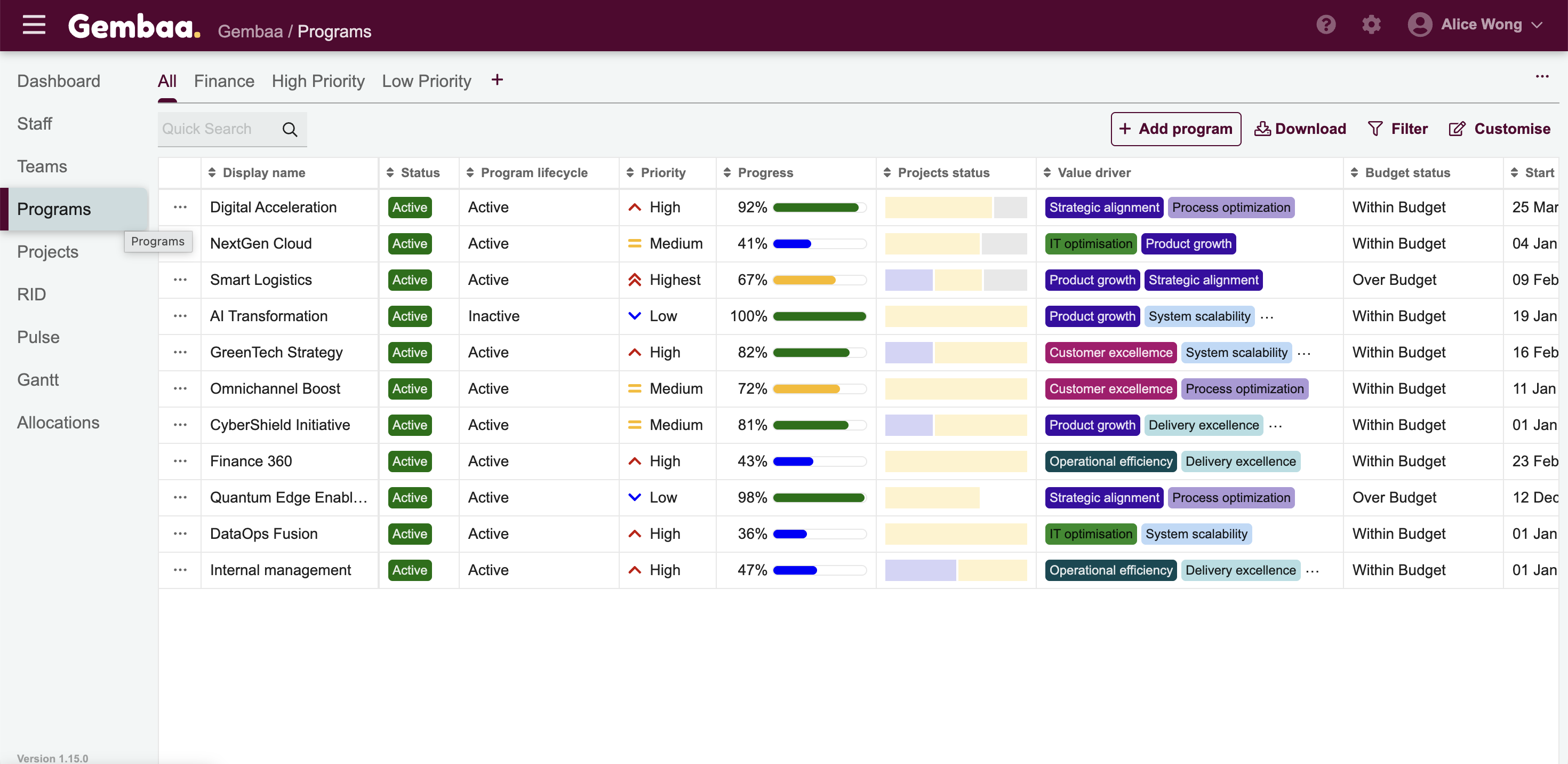
Step 1: Go to the Programs module
From the main navigation panel, click Programs
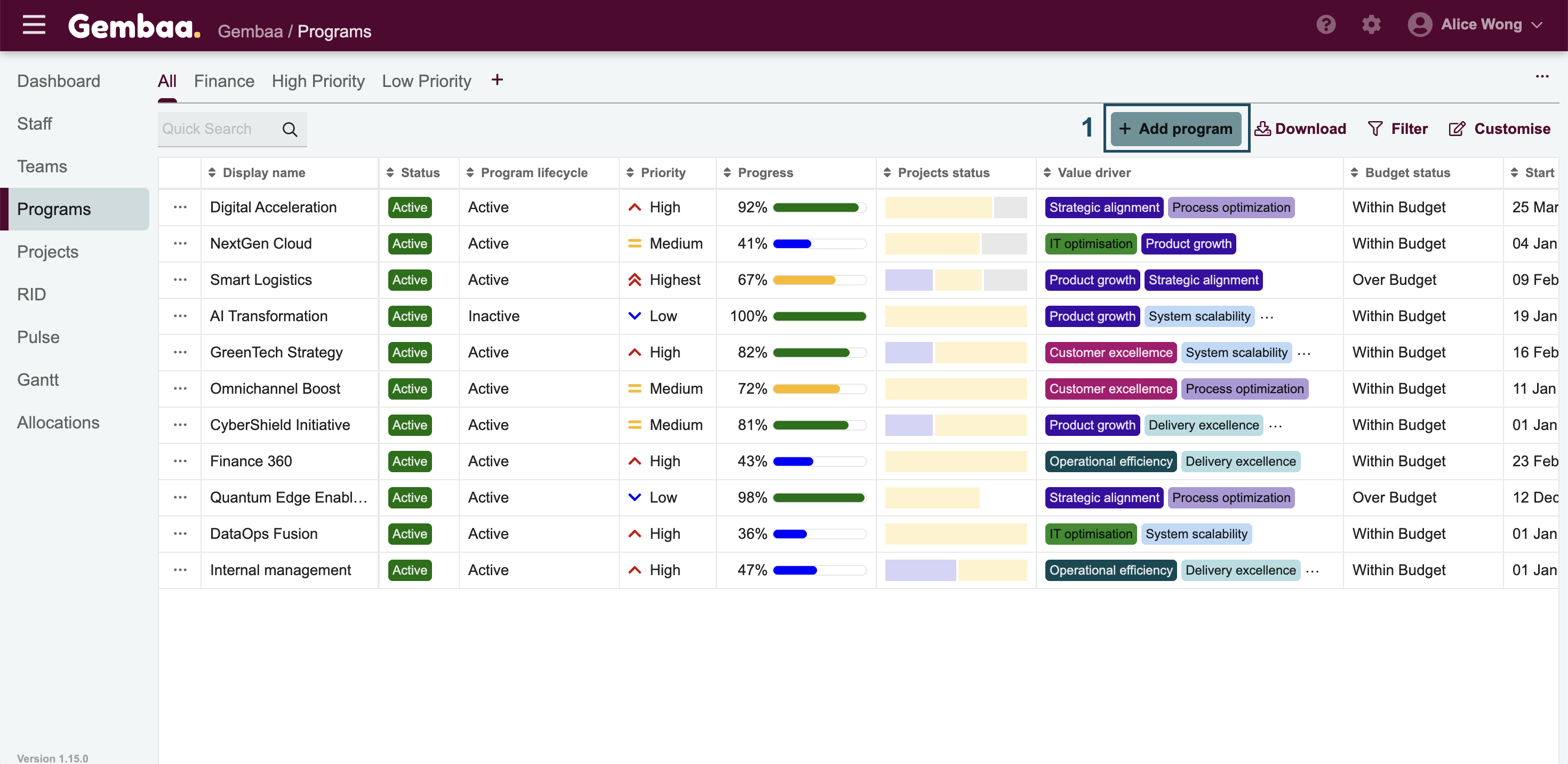
Step 2: Create a new program
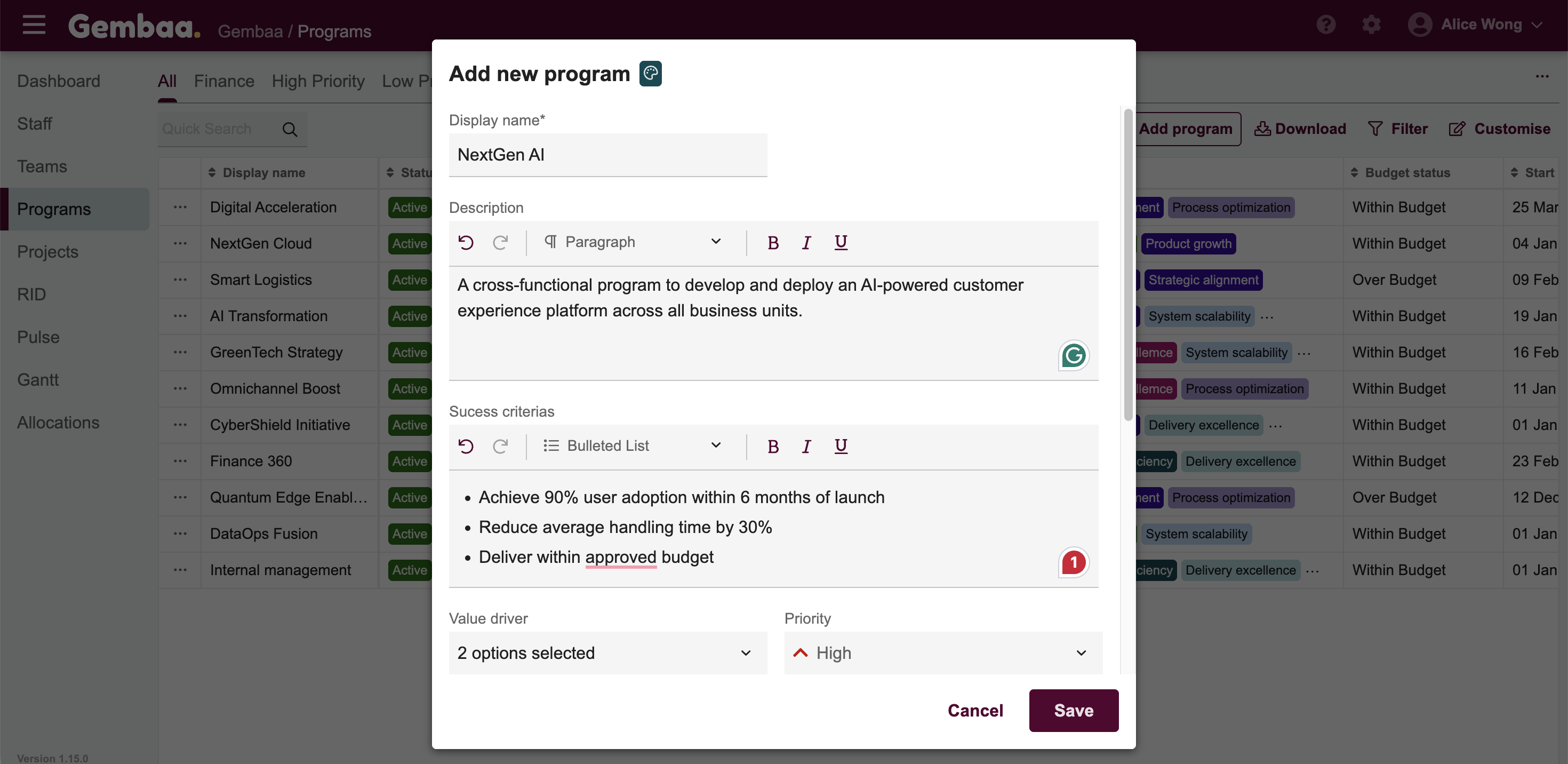
Click + Add Program and fill in the necessary details in the form
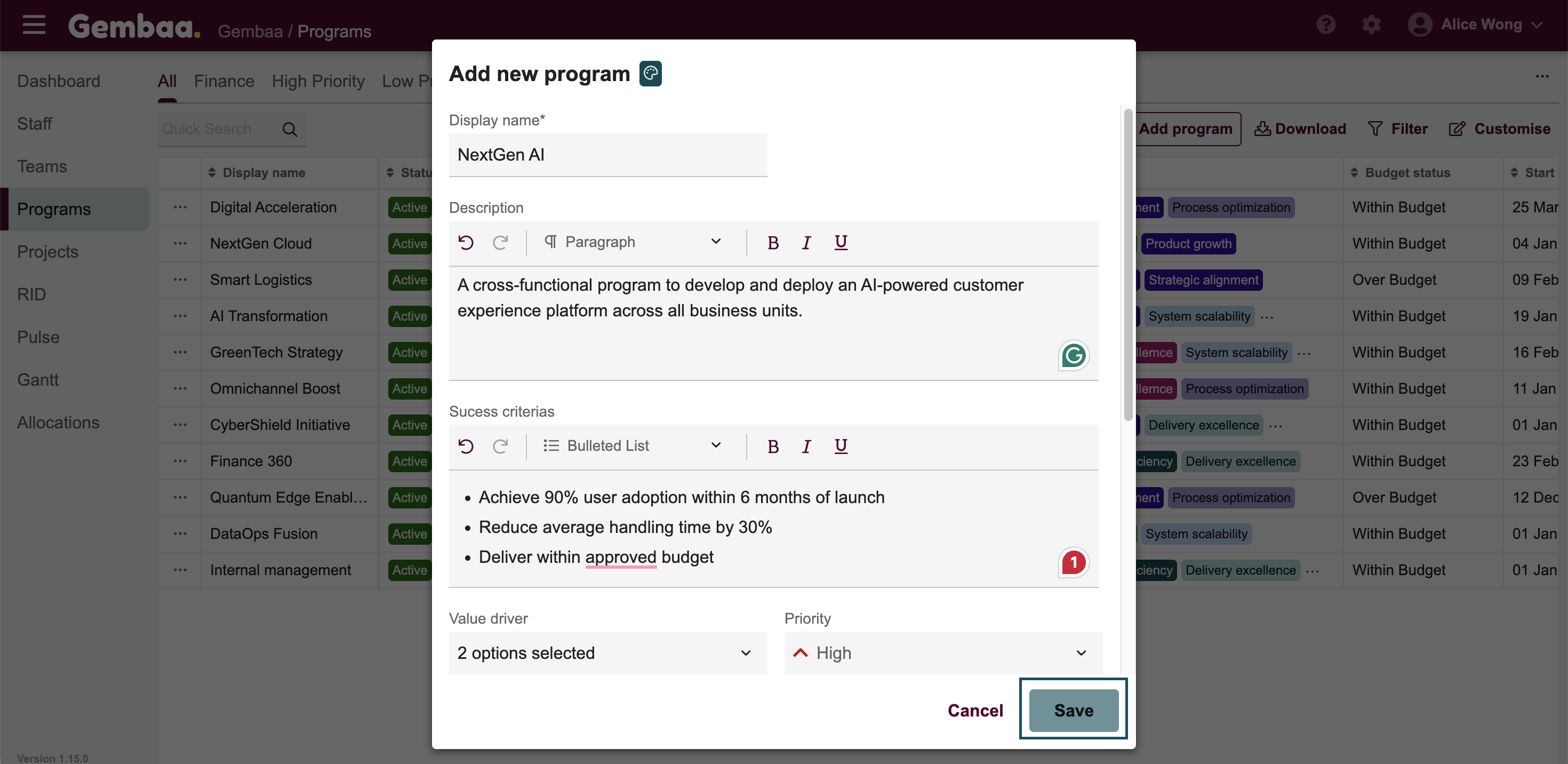
Step 3: Save your new program
Click Save to create the program and it should appear in your Programs list
Step 4: View program details
- Click on the program name to open it
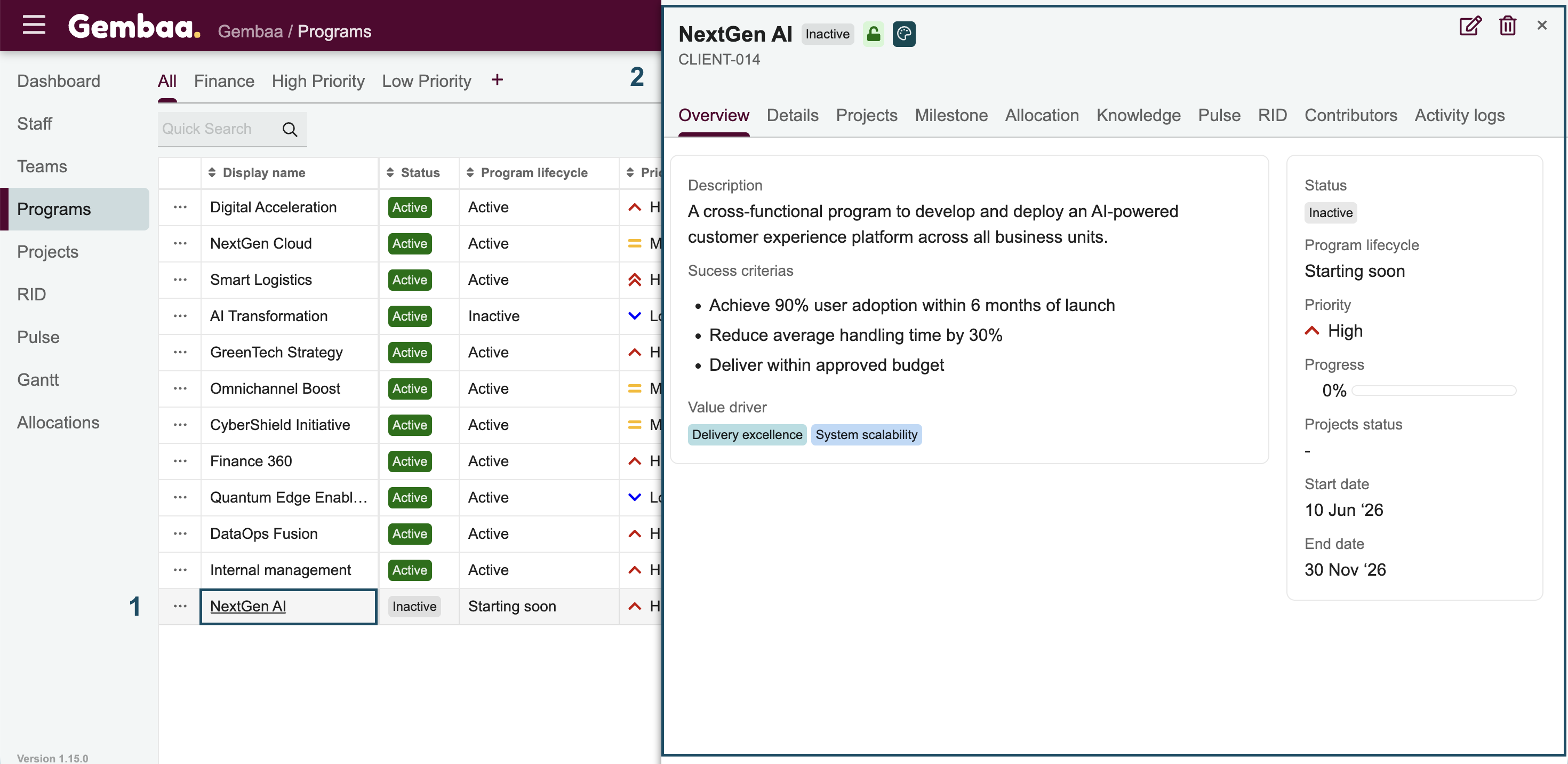
- Use the tabs across the top to navigate through the different sections of the program:

Tab | What you'll find |
|---|---|
Overview | A summary of the program's status and key information (admin managed) |
Details | Core program fields and attributes (admin managed) |
Projects | Projects linked to this program |
Milestones | Key milestones and timeline markers |
Allocation | Project resource allocation across the program |
Knowledge | Documentation and reference materials |
Pulse | Progress and health tracking |
RID | Risk, issues, and dependencies |
Contributors | Staff who have access to the record |
Activity Logs | A record of all changes and updates made |