
Filter your allocation data
Filters allow you to quickly narrow down allocation data to the criteria that matter most for your view.
📝Overview
Purpose
- Narrow down allocation data to focus on specific staff, team, project, program, or allocation
- Make it easier to analyze and view allocations without distractions from unrelated data
Who is this for
- PMOs, managers, or stakeholders who need to focus on specific allocation information
Pre‑requisites
- Existing allocations in the platform
- Familiarity with navigating the Allocations data grid
Permissions required
- Access and permission to manage allocations
📹Demo walkthrough
💭How‑to guide
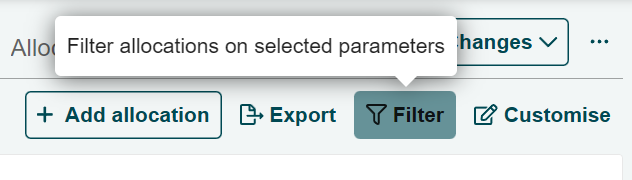
Step 1: Click on the Filter button
Click the Filter button on the top right corner of the Allocations page.
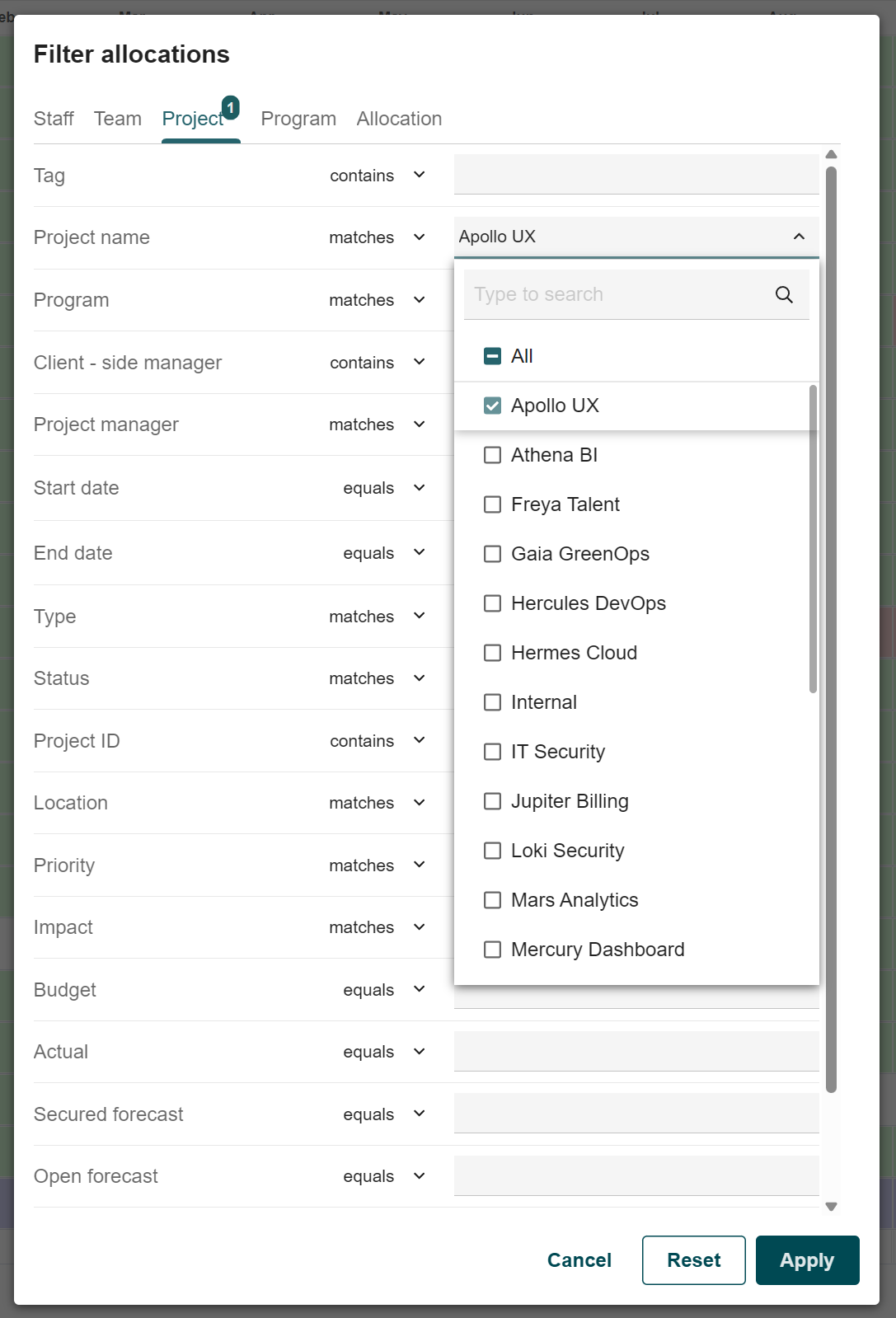
Step 2: Find the criteria to narrow your data
Choose from the available categories and parameters to find the criteria you are looking for
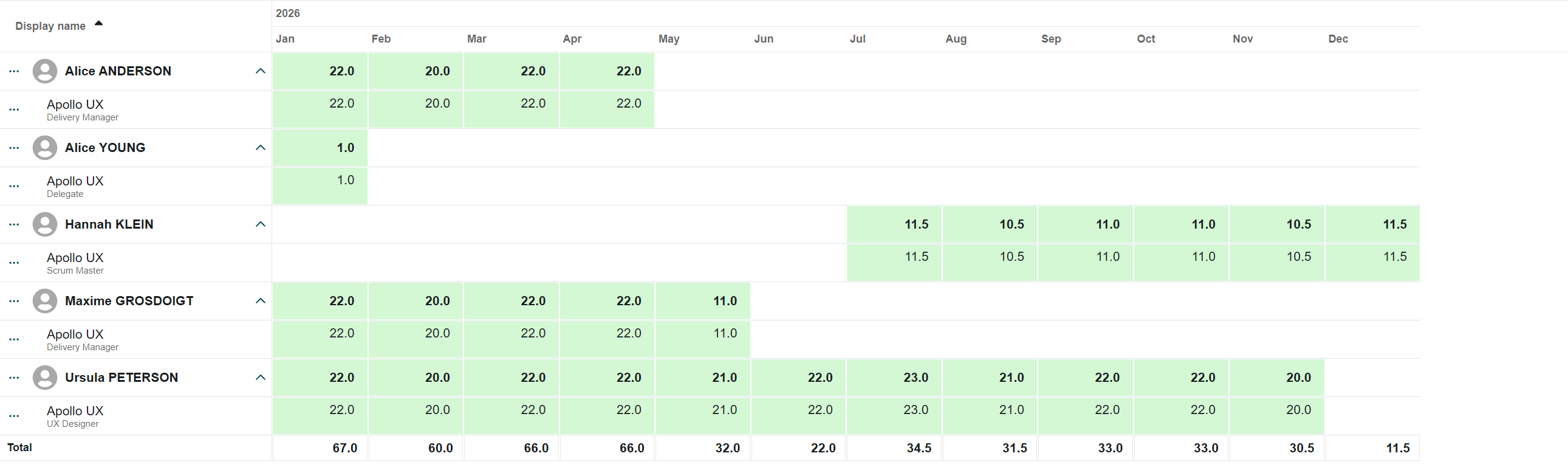
Step 3: Apply to see the changes
Click on Apply and view in the data grid that it now shows only the allocations that match your selected criteria
✍🏻 Note:
You can also save your filtered view as a new tab to return to it anytime. See the Manage Tabs article for details.