Create and delete a virtual staff
Virtual staff records let you represent open or planned roles directly in Gembaa, so you can model your team structure and plan headcount before a position is officially filled.
📝 Overview
Purpose
- Plan and model your staff members before a role is officially filled
- Keep your workforce planning accurate and up to date by removing virtual records when they're no longer needed
Who is this for
- Admins and managers responsible for workforce planning and headcount management
Pre-requisites
- Knowledge of virtual staff use case within your organization
Permissions required
- Access to view, create/edit, and delete virtual staff
What is a Virtual Staff?
A virtual staff record is a placeholder created inside Gembaa. Unlike directory staff who are synced through your organisation's SSO, virtual staff exist only within Gembaa and are not tied to any real user account.
Common use cases are:
- Forecasting open roles
- Planning future headcount
- Modelling your team structure ahead of a hire
Virtual staff can represent any type of staff record your organisation needs to track outside of your active directory and are clearly marked in the platform so they're easy to distinguish from your active directory staff.
🎥 Demo walkthrough
💭 How-to Guide
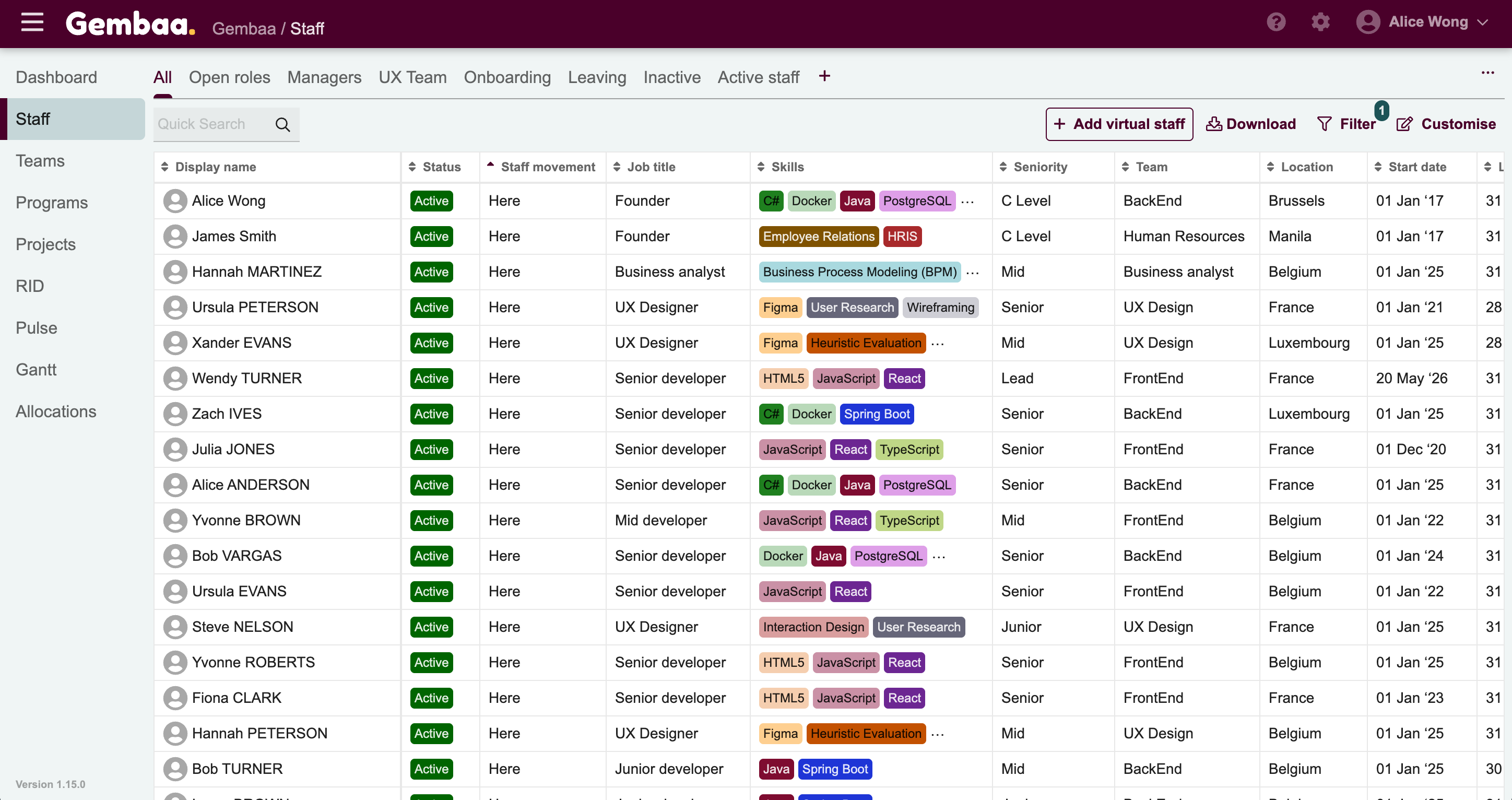
Step 1: Go to the Staff module
- From the main navigation panel, click Staff and you'll see a list of all current staff records in the platform
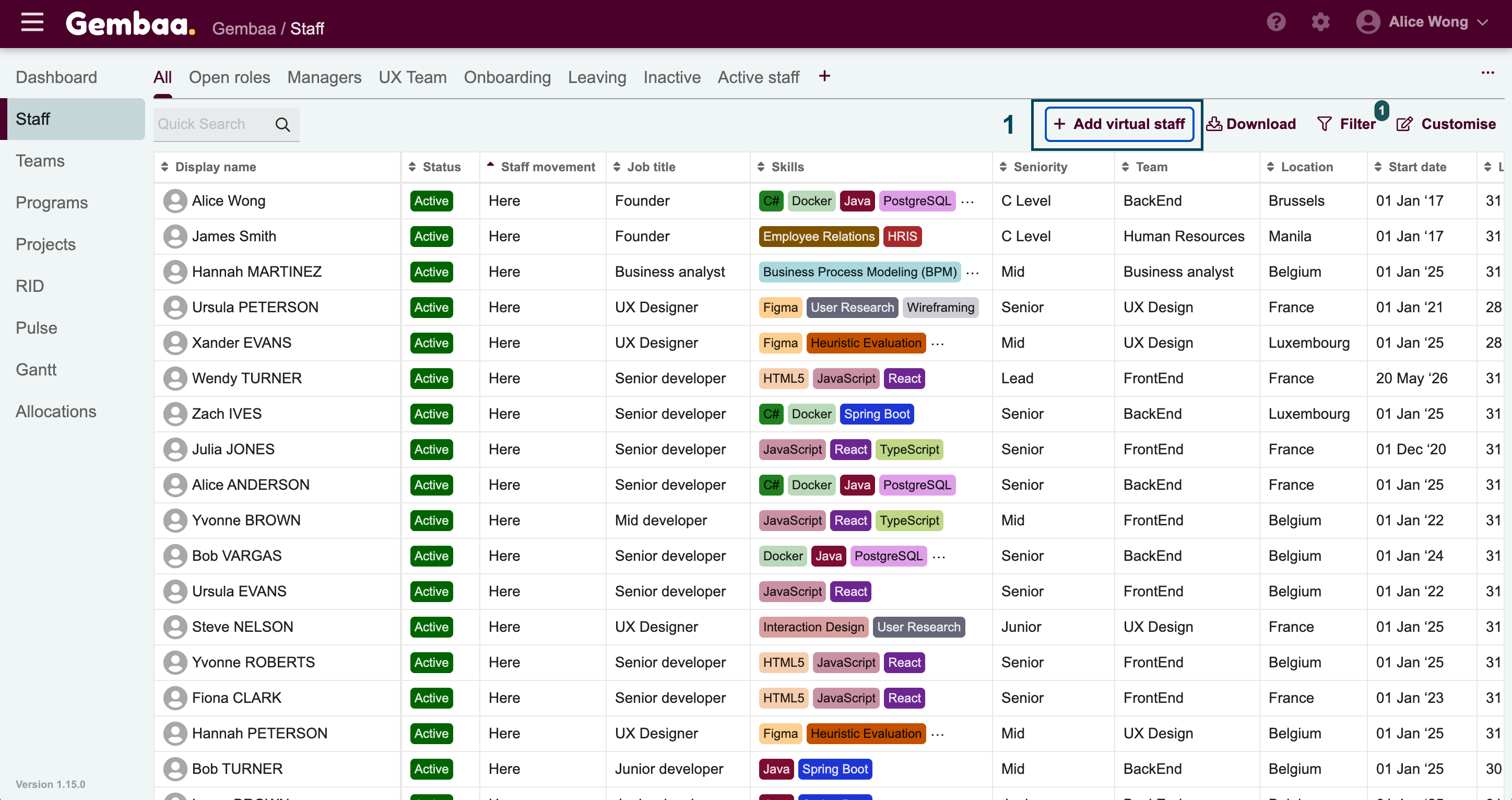
Step 2: Create a virtual staff record
- Click + Add Virtual Staff in the upper right corner
- Fill in the relevant details, required fields depend on your admin configuration and click on Save
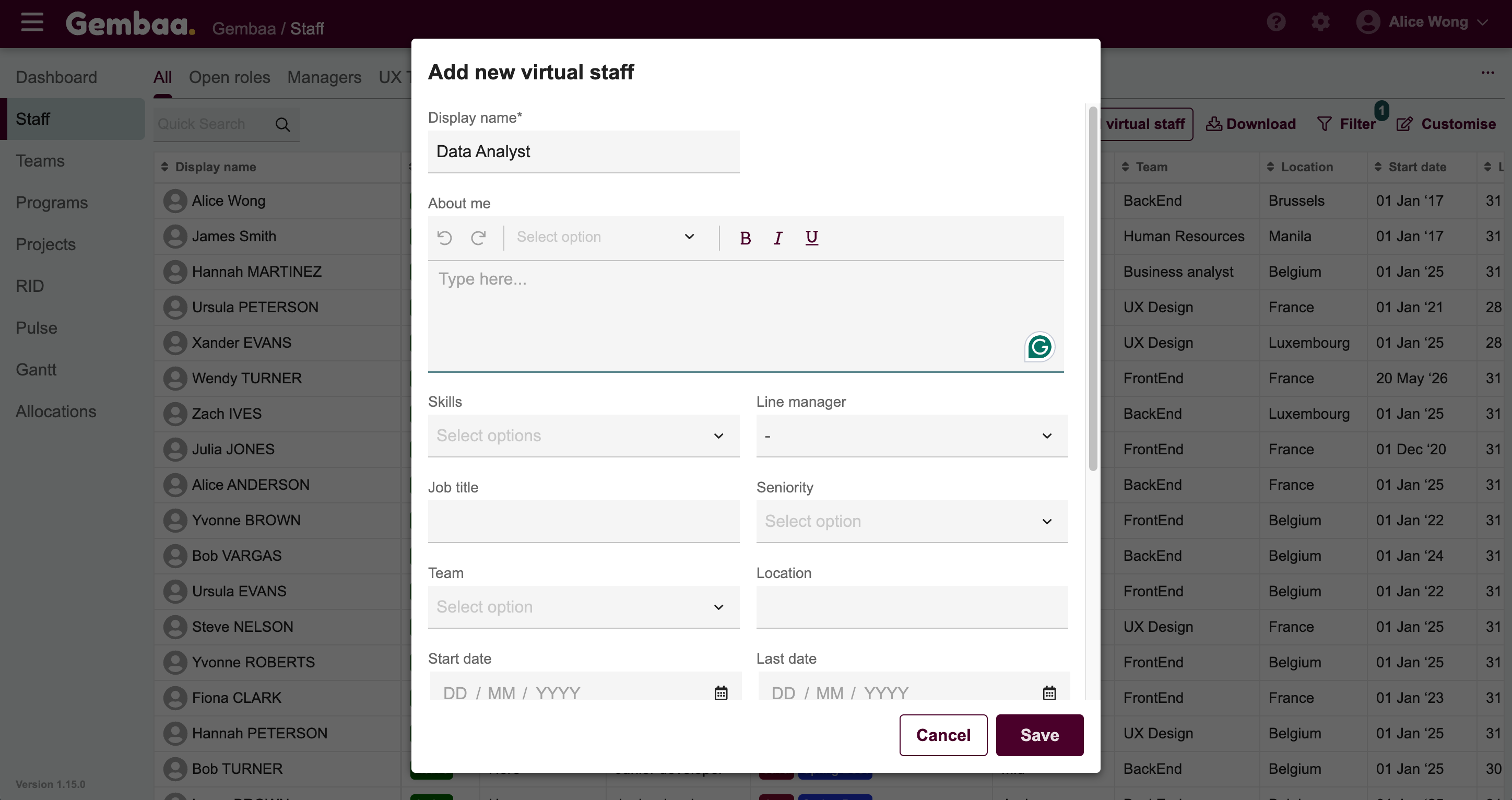
✍🏻 Note:
-
The record will be marked as Virtual, making it easy to identify alongside your directory staff
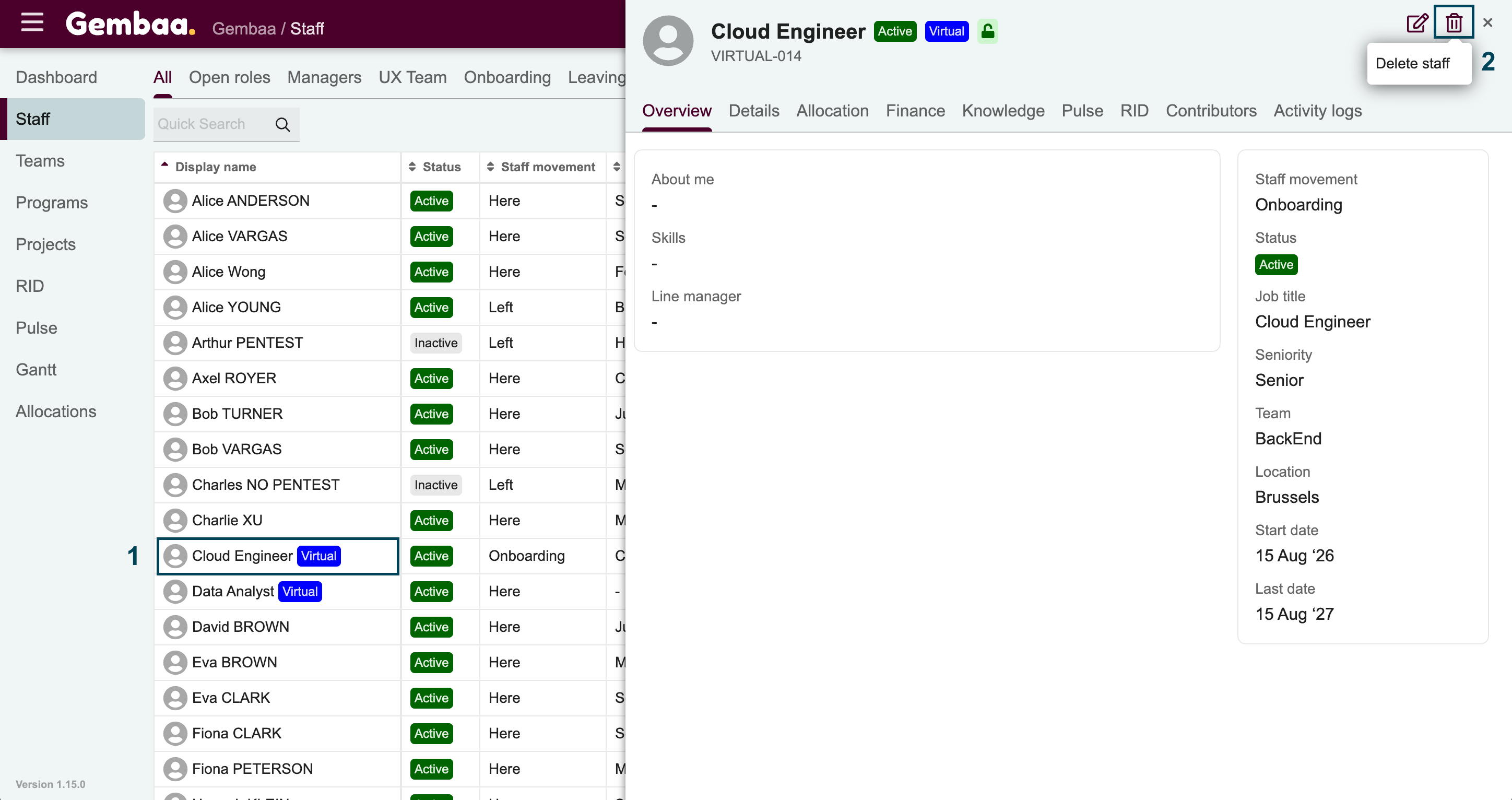
Step 3: Delete a virtual staff record
- Open the virtual staff record you want to remove
- Click on the Delete button in the upper-right corner of the details panel